WordPress
From WPML to Polylang: why I switched multilingual plugins for WordPress
WPML or Polylang? After years of WPML I now use Polylang: lighter, easier for clients to manage and closer to how WordPress natively works. Plus how to migrate.
Fabio Folgori5 min read
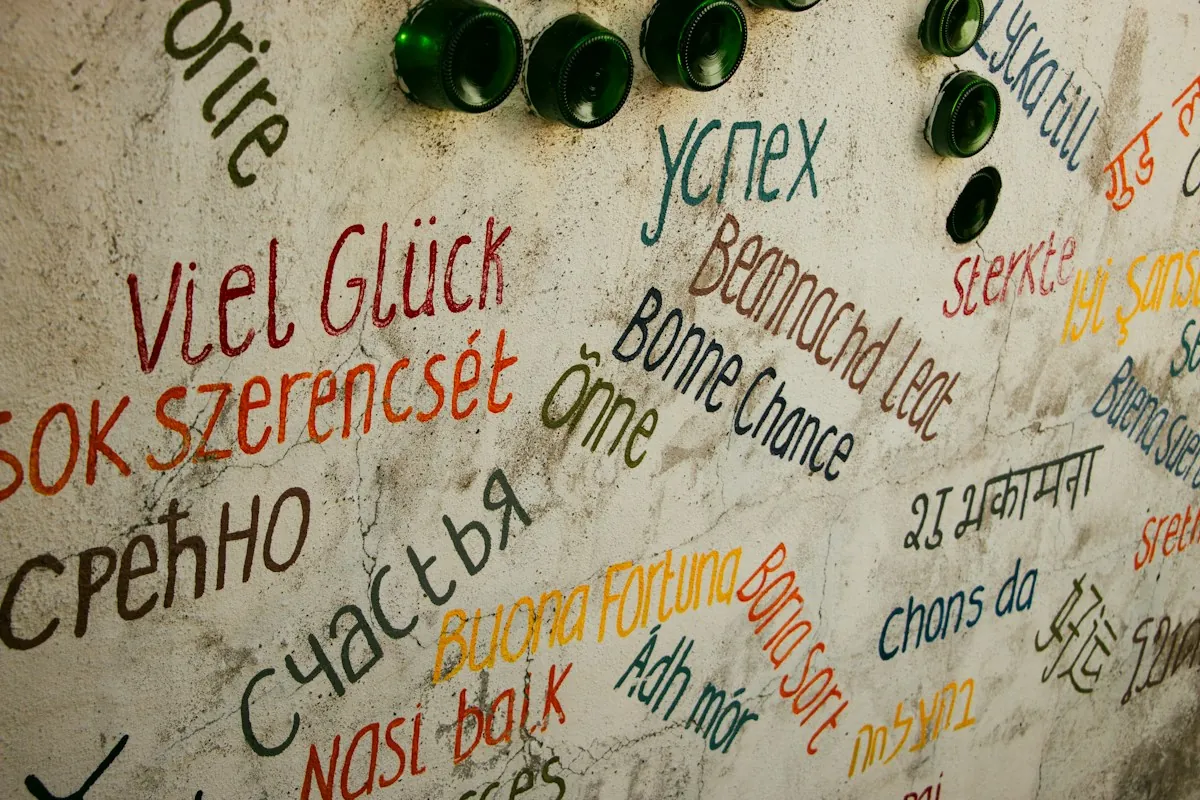
For many years WPML was my go-to multilingual plugin: I installed, configured and maintained it on dozens of WordPress sites, and I know its strengths and its shortcuts. Today, on new projects and on existing ones when the chance comes up, I use Polylang. It's not about trends or price: in my view WPML has become hard to use, especially for the people who have to manage the site every day. Here I explain what changed, how I choose, and how to handle a migration without losing translations or rankings.
Two different ideas of multilingual
WPML and Polylang solve the same problem with opposite philosophies. WPML is an ecosystem: a core plugin alongside modules for string translation, translation workflows, WooCommerce, ACF and more. It stores relations between languages in its own database tables and offers its own translation editor, designed to work by text segments and to hand work to internal or external translators.
Polylang starts from the opposite idea: staying as close as possible to how WordPress natively works. Languages are handled as a taxonomy, translations are linked without extra tables and every translated version is a regular WordPress page, opened and edited in the same editor as the original. There's no second environment to learn: you switch language and work as usual.
Why I stopped using WPML
An ever more complex dashboard
Over the years WPML has gained features, and with them came menus, settings and intermediate steps. To translate a page, the default path goes through the advanced translation editor and translation jobs; a theme or plugin string needs another module; for custom fields you have to decide, field by field, whether to copy, translate or ignore them. For a developer that's manageable. For an office or marketing team that needs to fix a sentence in English, it becomes an obstacle.
Clients must be able to work on their own
That's the key point for me. I build sites where clients compose pages with Gutenberg blocks enriched with ACF fields, and update them independently. If the English version is then edited in a different environment, with different rules, that independence is lost and support requests go up. With Polylang the translated version is managed exactly like the Italian one: same blocks, same fields, same interface.
Lightness and maintenance
Fewer modules mean fewer updates to coordinate, fewer version conflicts and less code running on every request. On sites I look after over time, the difference shows in day-to-day maintenance: a Polylang update rarely needs in-depth checks, while with WPML I learned to test every release on a staging environment before touching production.
What Polylang offers in real work
The free version covers what an institutional site needs: languages, pages, posts, categories, menus and a language switcher. The Pro version adds what a professional project requires, such as URL slug translation, content duplication to start from the original version, and ACF integration, which copies or syncs fields across languages according to the rules you set.
On the SEO side, Polylang outputs hreflang attributes between linked versions and lets you choose the URL structure, with the language in a folder, a subdomain or a separate domain. For online shops there's a dedicated paid WooCommerce extension that handles products, variations and cart pages across languages.
When WPML is still the right choice
Not everything favours Polylang, and it would be unfair to say so. WPML is still stronger when translation is a structured process: external translators, reviews, integrated professional translation services and credit-based machine translation. A complex multi-currency store run with WooCommerce Multilingual can also be a good reason to stay. If the site lives on these workflows, the more complex dashboard is the price of features that are actually used.
So the question isn't which plugin is better in absolute terms, but who will translate the content and how. If it's the client, from the same dashboard used to manage the site, Polylang is almost always the simpler choice.
How to migrate from WPML to Polylang
Preparing the ground
The migration happens on a copy of the site, never in production. First you need a full backup of files and database, then an inventory of what's translated: pages, posts, custom post types, taxonomies, menus, widgets, theme strings and ACF fields. It's also the right time to record the current URLs of every language, which you'll need for the final check.
Importing the translations
The Polylang authors provide a WPML migration plugin that imports languages, translation links and strings. The usual procedure is to install Polylang while keeping the WPML data, run the import and only then deactivate WPML. Afterwards you review the Polylang settings, especially the URL structure, which must stay identical to the previous one.
Checking everything the plugin doesn't see
Automatic import doesn't cover every case. You need to recheck the menus of each language, widgets, translated theme strings, ACF field settings and, if present, the online shop. Then compare URLs with the initial inventory: every address must respond as before, and if something changes you need precise 301 redirects so rankings aren't lost. Finally, check hreflang and sitemaps and walk through the whole site in every language before going live.
How I see it
A multilingual plugin shouldn't add a second way of working to WordPress, but extend the one that's already there. It's the same principle I build sites with: custom themes, Gutenberg blocks with ACF fields, a few carefully chosen plugins and a dashboard clients can use without a manual. Polylang fits this approach well; WPML is still a valid tool, but for the projects I work on today it's often more than needed, and harder to manage than it should be.
Why work with me
I've been programming since 1999, I've delivered more than 300 projects and I work as an external developer with around 30 agencies, from Rome and remotely. I used WPML for years and know both plugins well: I can set up a multilingual site from scratch or migrate an existing one from WPML to Polylang, taking care of URLs, redirects and SEO.
If you have a multilingual site to build or simplify, get in touch: in a chat of about 20 minutes we'll work out the right path. The service is in WordPress development.
Frequently asked questions
The base version of Polylang is free and covers the core work: languages, translation of pages, posts, categories and menus. Polylang Pro adds features useful on professional projects, such as slug translation, advanced synchronisation and ACF integration. WooCommerce needs the dedicated paid extension.
Yes. There is a migration plugin built by the Polylang authors that imports languages, translation links and strings. It should be run on a copy of the site, with a full backup, followed by a check of URLs, menus, custom fields and redirects.
Yes. With Polylang every translation is a regular WordPress page, edited in its own editor: Gutenberg blocks and ACF fields are filled in just like in the original language. The Pro version also handles copying and synchronising ACF fields across languages.
When the site has structured translation workflows, with external translators, reviews and credit-based machine translation, or a complex multi-currency store run with WooCommerce Multilingual. In those cases the WPML ecosystem is still a strength.
- #wordpress
- #multilingual
- #wpml
- #polylang
- #acf