Maps and geolocation
Store locators and interactive maps: geocoding, spatial queries, performance and local SEO
How to build a store locator that holds up: geocoding at import, distance queries, clustering, vector tiles, a map loaded only when needed, provider costs and a page for every location.
Fabio Folgori5 min read
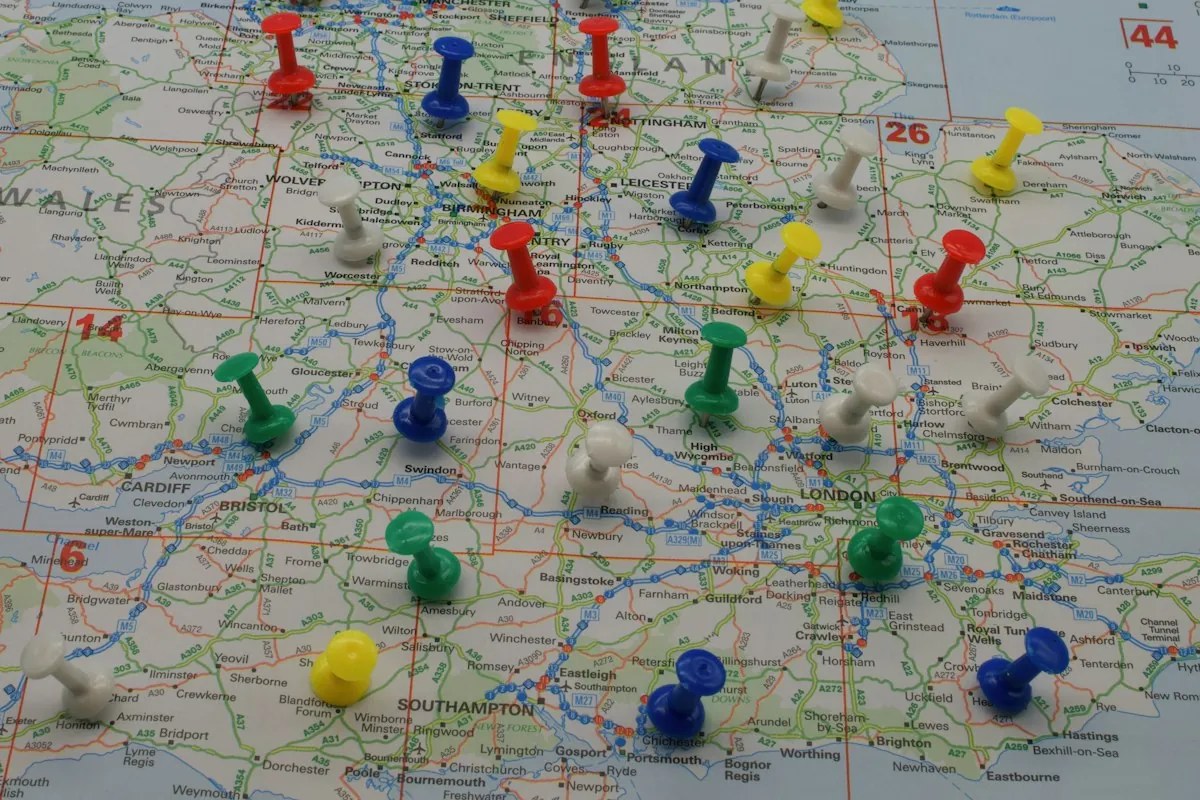
A store locator looks like a simple component: a map with pins and a search box. With ten locations it is. With hundreds or thousands of points, changing data, phone users on slow networks and the goal of being found on Google for "shop near me", it becomes a small architecture project: data, spatial search, rendering and SEO.
Data before the map
A reliable source
Locations come from a management system, a spreadsheet or a CMS. The first decision is which is the source of truth and how it syncs: on every change, nightly, by hand. With data from an external system, the import should be handled as a real integration, with validation and error reporting.
Geocoding at import, not on every visit
Turning an address into coordinates costs time and often money, and is sometimes wrong. Do it once, at import, store latitude and longitude, and flag low-precision results for a manual check. Geocoding on every visit is the fastest way to blow up costs and response times.
Distance search
The typical question is "the locations nearest to this point". Solutions, by scale:
- a few points: the distance calculation (haversine formula) runs directly in the browser on a static file;
- hundreds or thousands: a server-side spatial index, for example PostGIS on PostgreSQL, filtering by radius and sorting by distance efficiently;
- combined filters (services offered, opening hours, categories) applied together with distance, not afterwards.
The search box accepts town, postcode or address, with suggestions; the "near me" button asks for geolocation permission only when the user presses it.
Rendering the map
Vector tiles and provider
With MapLibre GL and vector tiles based on OpenStreetMap data you get fast maps with customisable styling and predictable costs. Google Maps remains a valid choice when its services (places, directions) and familiar look are needed, but the usage cost on real traffic must be estimated.
Clustering
A thousand overlapping pins are unreadable and slow. Clustering groups nearby points according to zoom level; with dedicated libraries it runs smoothly even with tens of thousands of points.
Load only when needed
The map library and tiles are heavy. They load when the map enters the viewport or the user activates it, showing a static preview first. The list of locations, on the other hand, is ordinary HTML, available immediately, readable by keyboard and screen readers: the map is a visual aid, not the only way to the data.
Local SEO: pages matter more than the map
The map is generated by JavaScript and carries little SEO value. What you need is an indexable page for each location: address, opening hours, contacts, services, photos, LocalBusiness structured data (or the most specific type), links from the list page and city pages. Name, address and phone must match the Google Business Profile. Detail on structured data is in Structured data: entity graph and automatic generation.
Privacy and accessibility
The user's location is not stored unless needed. Some map providers load resources from third-party servers: this must be considered in the privacy notice and, where needed, in consent. On accessibility: a list alternative to the map, keyboard-reachable controls, results announced after a search.
How I build a store locator
- Data analysis: where locations come from, how often they change, which fields are really needed (opening hours, services, contacts).
- Import and geocoding: a repeatable script, with validation and a report of low-precision points.
- Search: a choice between in-browser calculation and a server-side spatial index, based on the number of points and filters.
- Location pages with stable URLs, their own content and structured data.
- Map: provider, styling consistent with the site, clustering, deferred loading.
- Testing on a phone over a slow network, by keyboard and with a screen reader.
- Updates: automatic sync from the source, with an alert on errors.
The order is not random: data and pages first, map afterwards. A beautiful map on dirty data just shows errors more clearly.
My take
The project I have in mind is Sagre Autentiche, a portal I developed entirely on the WordPress programming side: a map shows food festivals around the visitor, you search by place, period and product, and the site connects via APIs to other services to keep data up to date. There I learned that the map is the visible part, but the work that counts is underneath: clean data, fast search and pages Google can read.
That is why I always set up a store locator starting from the data and the pages, and add the map last, loaded only when needed. The result is faster, more accessible and easier to find.
A final consideration concerns the map provider. I prefer solutions that do not tie the project to a single service: with MapLibre and OpenStreetMap-based tiles you can switch tile provider without rewriting the component, and costs stay predictable as traffic grows. When the client needs features specific to a commercial provider, I am happy to use them, but with a usage-cost estimate based on real traffic and a spending cap configured.
Why work with me
I have been programming since 1999, delivered more than 300 projects and work as an external developer with about 30 agencies, from Rome and remotely. I build store locators and interactive maps with geocoding at import, spatial search, clustering and location pages optimised for local SEO.
If you have locations, shops or points of interest to show, get in touch: in a call of about 20 minutes we work out where the data comes from and how to show it. The service is in Maps and geolocation.
Frequently asked questions
Google Maps is familiar and rich in services (places, directions), but has usage-based costs beyond the free tier and binding terms. MapLibre with OpenStreetMap-based tiles gives more control and more predictable costs, with a few more technical choices. Decide on traffic, required features and budget.
Yes, if it loads immediately on every page: the libraries and tiles are heavy. Load it only when it enters the viewport or the user activates it, with a static preview in its place.
Not as the first step. Better a search by town or postcode and a "near me" button that asks for permission only when the user chooses it. Asking on page load produces lots of refusals.
The map alone does not, because it is content generated by JavaScript. What helps are indexable pages for each location, with address, opening hours, structured data and internal links, consistent with the Google Business Profile.
- #store locator
- #interactive maps
- #geolocation
- #local seo
- #maplibre