Custom software
Custom management system or Excel? When the spreadsheet becomes a risk, and how to migrate without stopping
When an Excel sheet stops being a tool and becomes a risk: data integrity, permissions, concurrency, traceability. And how to design and migrate to a custom management system.
Fabio Folgori5 min read
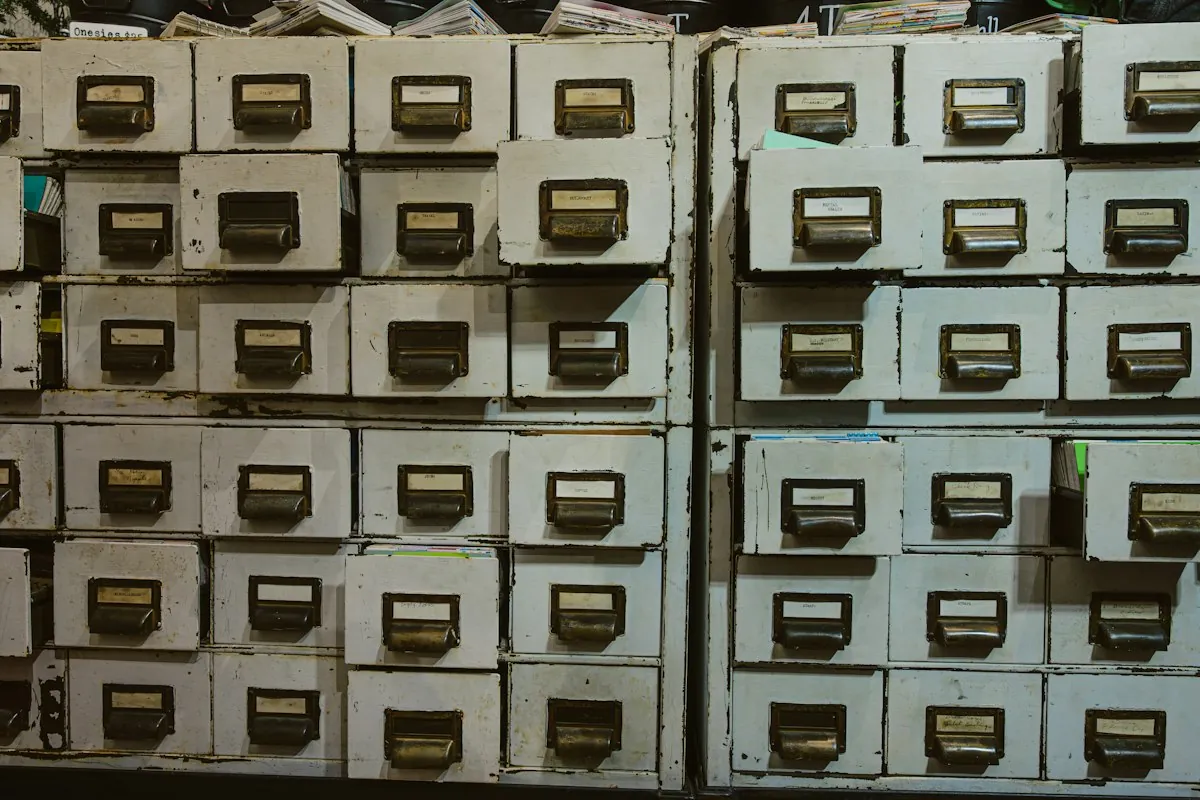
Excel is an extraordinary tool, and most of the custom management systems I have built replaced a spreadsheet that had done its job admirably for years. The point is not that Excel is wrong: beyond a certain threshold, the sheet stops being a tool and becomes the most fragile part of the business. Recognising that threshold, and crossing it without stopping work, is what this article is about.
The signs, read by a developer
Data integrity
The sheet prevents nothing: a date typed as text, a customer code with an extra space, a formula overwritten by a value. Every error spreads silently. A database enforces types, constraints and relationships: certain errors simply cannot be made.
Concurrency and versions
Two people work on the same file, or on two copies. Out come "final_v3_fixed.xlsx" and the question "which one is right?". The cloud reduces the problem but does not solve it: simultaneous edits to the same row overwrite each other, and there is no locking logic.
Permissions
People who should see only their own data see everyone else's, or cannot get in at all. A shared sheet has permissions per file, not per row or per role.
Traceability
Who changed that price, when, and what was there before? Without a change log, the answer depends on someone's memory.
Dependence on one person
Only whoever built "the file" understands it. Nested formulas, macros, hidden sheets. When that person is away, the business slows down.
Features the sheet lacks
Mobile access in the field, notifications and deadlines, payments, generated documents, integrations with other systems. At that point people build chains of files, macros and manual copies.
Before deciding: ready-made or custom
Is there off-the-shelf software covering 80% of the process without bending it? Then it deserves serious consideration, along with its APIs and long-term cost. Custom makes sense when the process is specific, central to the business, and ready-made products force you to work worse than before.
How it is designed
The data model before the screens
Entities, relationships, constraints: clients, cases, resources, bookings, payments, and how they connect. It is the part that lasts longest and the most expensive to change later. The screens follow from it.
Roles and permissions
Who sees what and who can do what, defined by role and enforced on the server, not by hiding buttons in the interface.
Change log
Every important operation leaves a trace: who, when, values before and after. It is what the sheet never had.
Integrations
Payments, invoicing, email, calendar, website. Each as a separate module, with error handling. I cover this in Integrating your management system, e-commerce and invoicing with APIs.
How to migrate without stopping
- Analyse the existing sheets: columns, formulas, exceptions, misuse. The sheet often holds business rules written down nowhere else.
- Repeatable import script: mapping to the new model, normalisation, deduplication, a report of rejected rows.
- Repeated migration rehearsals on real data, until the rejection report is empty or explained.
- Release by module: the most painful feature first, then the others. For a few weeks the sheet stays read-only as a reference.
- Short training on real workflows, not on the manual.
The most common mistakes in custom projects
- Reproducing the spreadsheet as it is: same columns, same habits, including workarounds born of Excel's limits. The process should be rethought, not copied.
- Starting from screens: without a solid data model, every new feature becomes an exception.
- Everything at once: a single, complete release instead of successive modules increases risk and delays value.
- Permissions postponed: adding roles and restrictions to a finished system costs far more than designing them upfront.
- No export: data must always be able to leave in open formats.
- Users left out of the analysis: whoever works on the sheet every day knows the exceptions no document records.
A good project starts with a few features that solve the most expensive problem, gets used for real, and grows from what that use reveals.
My take
The project I have in mind as I write this is the Altura Vela management app, which I designed and built from scratch in Nuxt: boats, skippers and members in one place, payments with Stripe and some AI features that take repetitive work off whoever organises courses and outings. The most tangible result is operational: the club manages more boats than before without its organisation getting heavier.
For this kind of tool I choose a web application: one codebase, usable on computer and phone, updated with a deploy. And I build with the data model at the centre, because that is where a management system lives or dies.
One practical piece of advice: do not throw the spreadsheet away too early. In the first weeks it is the reference used to check the new system produces the same results, and it often reveals rules nobody had mentioned. Archive it when the numbers match, not before.
Why work with me
I have been programming since 1999, delivered more than 300 projects and work as an external developer with about 30 agencies, from Rome and remotely. I design custom management systems starting from the data model, with role-based permissions, a change log and migration of existing spreadsheets.
If your work depends on a file only one person understands, get in touch: in a call of about 20 minutes we look at the process and work out whether a ready-made or custom product makes more sense. The service is in Custom apps and management systems.
Frequently asked questions
No. It often pays off for studios and businesses with a specific process that off-the-shelf software does not cover well. What matters is how central the process is and what it costs to run by hand today, not size.
If a product covers 80% of the process without forcing it, it almost always wins. Custom makes sense when the process is your competitive advantage, or when ready-made products force you to work worse.
With a designed migration: mapping columns to the new model, normalisation (dates, names, codes), deduplication and a report of rejected rows to check by hand. It is rehearsed several times before the final switch.
The client: code in a repository they can access, documented, with data exportable in open formats. It should be written into the contract.
- #custom management system
- #excel
- #custom software
- #data model
- #web app