Maps and geolocation
Store locator and interactive maps: how they work and when you need them
How a store locator works: search by address, geolocation, filters, location data, map costs, and what you need for effective local SEO on Google.
Fabio Folgori5 min read
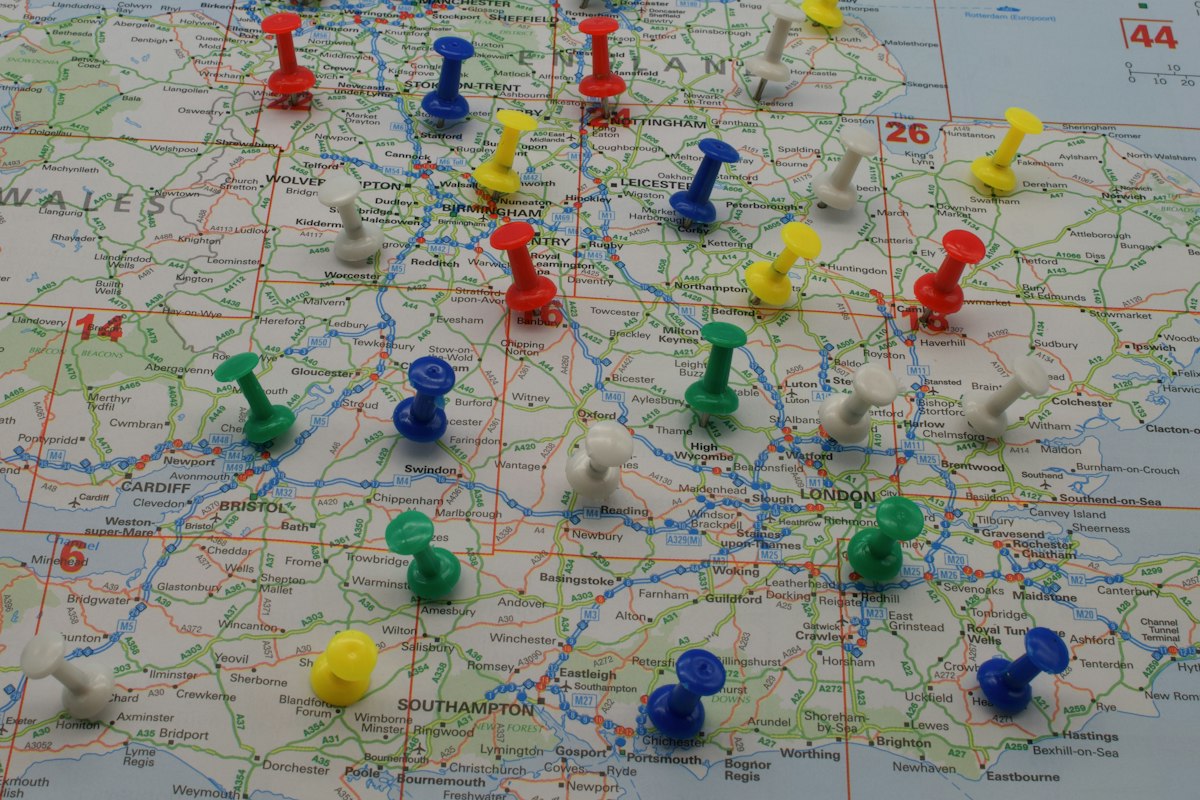
If you have several locations, shops, resellers or coverage areas, sooner or later you need a map: a simple way for customers to find what they are looking for. Done well, an interactive map brings people into the shop and phone calls; done badly it is a decorative image nobody uses.
In this guide I explain how a store locator works, what it takes to build one and which choices to watch out for.
What it is, in practice
A store locator is a page with a map and a list of locations. The visitor types an address, a postcode or a city (or lets the browser use their location) and gets the nearest points, with distance, hours, phone and a button for directions.
The features that make the difference
- Search by address, postcode or city, even with suggestions as you type.
- Geolocation with the user's consent, to find nearby locations with a tap.
- List and map linked together: choosing an item in the list highlights the point on the map, and vice versa.
- Filters by type of location, service, available product or opening time.
- A page for each location with address, hours, phone, email and a link to driving directions.
- Works on a phone, where most searches of this kind are made.
Where the data comes from
The map is only as good as the data it contains. There are two aspects.
- The archive of locations: a list with addresses, hours and contacts. It can live in a dedicated panel or come from an archive you already use, for example a spreadsheet or the management system.
- Geocoding: turning addresses into coordinates on the map. It is done once for each location and has to be repeated if the address changes.
To keep everything aligned, it is best to connect the map to the data source, so a change reflects itself. I talk about it in How to integrate your management system, e-commerce and invoicing.
Which map service to use
Maps do not come from nowhere: they rely on third-party services.
- Commercial services (such as those from the big providers): rich in features and familiar to users, but with limited free quotas, costs beyond a certain threshold and terms of use to respect.
- Solutions based on open data: freer and often cheaper, but they require a few more technical choices.
The decision depends on expected traffic, budget and how much the familiar look of the map matters. It is worth estimating costs first, because a heavily used map can become a line of expense.
Speed and performance
Maps are among the heaviest elements of a page. Some precautions:
- load them only when needed, for example after the click or when the page is already usable;
- avoid showing hundreds of points all at once, clustering them instead;
- optimise the images and marker icons.
If the topic interests you, also read Slow WordPress site: the 7 most common causes.
Local SEO: the map alone is not enough
Someone searching for "shop near me" uses Google more than your site. To be found:
- create a page for each location, with address, hours, description and photos, instead of relying on a single map with everything inside;
- use structured data to describe local businesses (I talk about it in Structured data: what it is and how it helps your site on Google);
- take care of your business listing on Google with data consistent with the site;
- keep the same data everywhere: name, address and phone must match.
Privacy and accessibility
Two attentions not to neglect.
- Privacy. Location is personal data: it must be requested with explicit consent and used only for the search. If it is not needed, it should not be stored.
- Accessibility. A map can be hard to use from the keyboard or with a screen reader. Always offering a list of locations as text and search by address makes the service usable by everyone.
Beyond the store locator: logistics and routes
Maps are also used for other things: calculating distances and times, assigning jobs to technicians, optimising delivery rounds, displaying data on zones or municipalities, normalising address archives. They are different cases, but the base is the same: well-kept geographic data and a link with your systems.
When it is needed and when not
An interactive map makes sense if:
- you have several locations or resellers among which the customer must choose;
- distance matters in the decision (shop, branch, home service);
- you have coverage areas to show or check.
If you have a single location, a simple map with directions is enough, with no need for a complex system.
How a store locator is worked on
An orderly path avoids rework.
- The location data is collected and it is decided where it will live and who will update it.
- The map service is chosen, estimating traffic and costs.
- The search is designed: by address, postcode, geolocation, filters.
- Map, list and location pages are built, taking care of mobile and speed.
- Pages for each location are prepared and structured data for local SEO.
- It is tested with real addresses and odd cases (no results, very close locations).
- It is published and usage statistics are checked, to fix what is needed.
Why entrust it to me
I have been programming since 1999, with more than 300 projects delivered and about 30 agencies as an external developer. I integrate interactive maps into websites and applications: store locators, routes, coverage areas, calculation of distances and times, geocoding and geographic data. I work from Rome and remotely, with online previews every week.
If you have locations to show or logistics to organise, write to me: a chat of about 20 minutes, no strings attached, then a written, free proposal. The service is in Custom maps and store locators.
Frequently asked questions
It is an interactive map where customers look for the nearest shop, branch or reseller, with address, opening hours, phone and directions to get there.
It depends on usage: third-party map services have quotas and limits, beyond which you pay, and terms of use to respect. There are alternatives based on open data. The choice has to be made looking at expected traffic.
Yes: the browser explicitly asks for consent. That is why it is always worth also offering manual search by address or postcode, for those who do not want to share their location.
With a simple panel where you add, edit or remove a location, or by connecting the map to an existing archive (spreadsheet or management system), so the data stays aligned.
- #store locator
- #interactive maps
- #geolocation
- #local seo
- #stores