Websites
When it is worth rebuilding your site (and when fixing it is enough)
Rebuild the site or fix it? 8 signs to tell when a rebuild is needed, what can be corrected without starting from scratch and how to decide.
Fabio Folgori6 min read
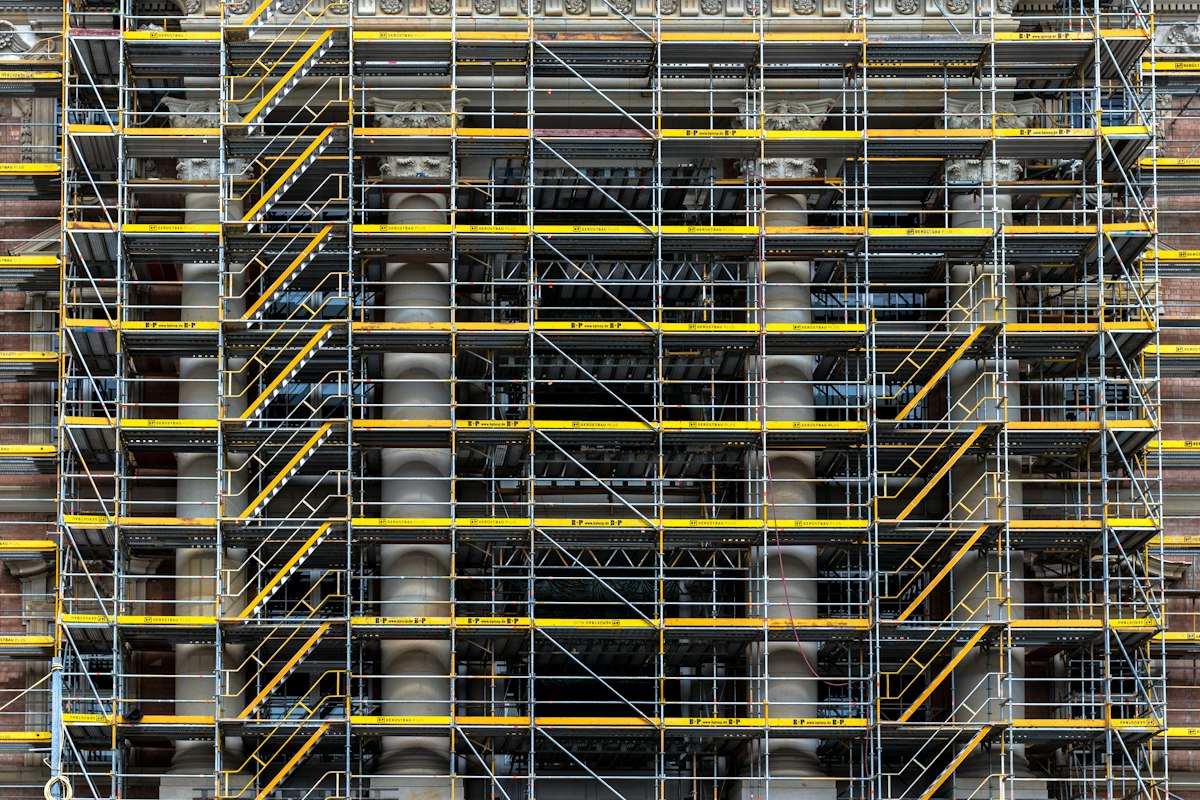
Sooner or later you wonder: my site is old, do I rebuild everything or is a touch-up enough? The wrong answer costs in both cases. Rebuilding a site that only needed fixing means spending more than necessary and risking the loss of what worked. Patching a site that no longer holds up means going on paying in slowness, problems and missed opportunities.
In this guide I help you work out which side you are on, with concrete signs.
First of all: what is really not working?
"The site is ugly" and "the site brings no results" are different problems, with different solutions. Before deciding, write down what bothers you, and distinguish:
- look: dated, unprofessional graphics;
- features: something is missing that cannot be added;
- content: old, unclear text, missing information;
- performance: slowness, errors, problems on a phone;
- visibility: you cannot be found on Google;
- management: updating it is hard or impossible without a technician.
Each item has a different cure, and not everything needs rebuilding.
Eight signs a rebuild is needed
- It is not usable on a phone. If the site does not adapt to small screens, it is technically behind and loses many visitors.
- The technology is obsolete. Versions no longer updated, abandoned components: every change is risky and security is fragile.
- It is very slow even after interventions. If reasonable optimisations are not enough, the weight is in the structure.
- Updating it is a nightmare. To change a sentence you need a developer, or every change breaks something.
- The structure no longer supports your work. New services, more languages, a shop: the site was designed for a different business.
- You cannot add what you need. Features, integrations, links with other systems are impossible or absurdly expensive.
- It has recurring security problems. Constant attacks or blocks due to a fragile base.
- The message no longer matches who you are. The business has changed and the site still tells the story of years ago.
If you recognise two or three, a rebuild is probably the right way.
What can be fixed without starting over
Many problems are solved with targeted interventions.
- Speed: images, cache, plugins, hosting. I talk about it in Slow WordPress site: the 7 most common causes.
- Content: rewriting the main text, updating services and information.
- Look: a theme restyling keeping the base.
- SEO: titles, descriptions, structure, structured data.
- Accessibility and forms: targeted corrections.
- Security: updates and cleaning, with regular maintenance.
Often a good fixing job costs far less than a rebuild and solves the real problem.
Four routes, in order of commitment
- Touch-up: corrections and updates, without changing the structure.
- Restyling: new look and new copy, technical base kept.
- Partial rebuild: some parts (for example the theme or a section) rebuilt, the rest kept.
- Complete rebuild: a new site, often with a new platform, structure and design.
Choose the lowest level that really solves the problem.
Three questions to decide
- How much does the site as it is cost me today? In lost enquiries, time spent, problems to handle.
- Is the problem inside or outside the site? A perfect site brings no customers if visibility or a clear offer are missing.
- How long would I like the next version to last? If you want it to last for years and grow, it is worth building the base well.
The risks of a rebuild
Rebuilding is not without dangers.
- Losing positions on Google if addresses and content are not handled carefully. The checklist is in Rebuilding your site without losing rankings.
- Losing useful content that worked.
- Overrunning time and costs if the scope is not clear.
- Forgetting features that nobody remembered but that were needed.
- Changing too many things together, making it hard to tell what works.
How to prepare well
A rebuild goes better if you prepare first.
- List what to keep: pages that bring traffic and enquiries, indispensable features.
- Gather the content (text, photos, documents) before starting.
- Write the goals of the new site, in a measurable way.
- Decide who approves: one person deciding for the company.
- Plan for afterwards: support, updates, maintenance.
For costs and timing, read How much does a website cost in 2026.
The most common mistakes
- Rebuilding for fashion, without a clear problem to solve.
- Starting from the graphics instead of the goals.
- Not measuring beforehand, and so not knowing whether the new one does better.
- Changing platform for no reason.
- Forgetting maintenance of the new site.
How much time and work each route takes
As an order of magnitude, a touch-up takes a few days, a restyling a few weeks, a complete rebuild generally 2 to 4 weeks for a polished site (more if it is large or has a lot of content). Timing depends enormously on how ready the content is and how many people have to approve. Having materials ready and a single contact is the surest way not to lengthen it.
A practical criterion for deciding
If the problem can be described in one sentence and has a precise cure (for example "the site is slow", "information on the new services is missing", "it cannot be read on a phone"), a targeted intervention is often enough. If instead the problem is that every request runs into a limit of the site itself, then the base does not hold up and a rebuild becomes the cheaper choice in the long run.
Why entrust it to me
I have been programming since 1999, with more than 300 projects delivered and about 30 agencies as an external developer. When you ask me to rebuild a site, I begin with an honest analysis: I tell you whether fixing it is enough, and propose a rebuild only when needed. I develop in stages with online previews every week and protect what you have already earned on Google. I work from Rome and remotely.
If you are wondering what to do with your site, write to me: a chat of about 20 minutes, no strings attached, then a written, free proposal. The service is in Website creation.
Frequently asked questions
There is no fixed deadline. A well-made, maintained site can last many years with updates and touch-ups; it is rebuilt when it no longer supports the business's needs or when the technology becomes a limit.
No. Restyling changes the look and sometimes the structure, keeping the technical base; a rebuild also reconstructs the technical part. The first costs less but only solves image problems.
It can happen if the migration is done badly. With addresses kept or redirected, content preserved and checks after launch, the risk drops a lot.
For a polished site it generally takes 2 to 4 weeks, but it depends on size, content being ready and the number of revisions.
- #rebuild website
- #restyling
- #outdated website
- #website redesign
- #business website